


WebTextEditor provides a property to allow resize in WebTextEditor.
In this topic, you will learn how to allow resize.
To allow resize in WebTextEditor
- Set AllowResize property to Yes.
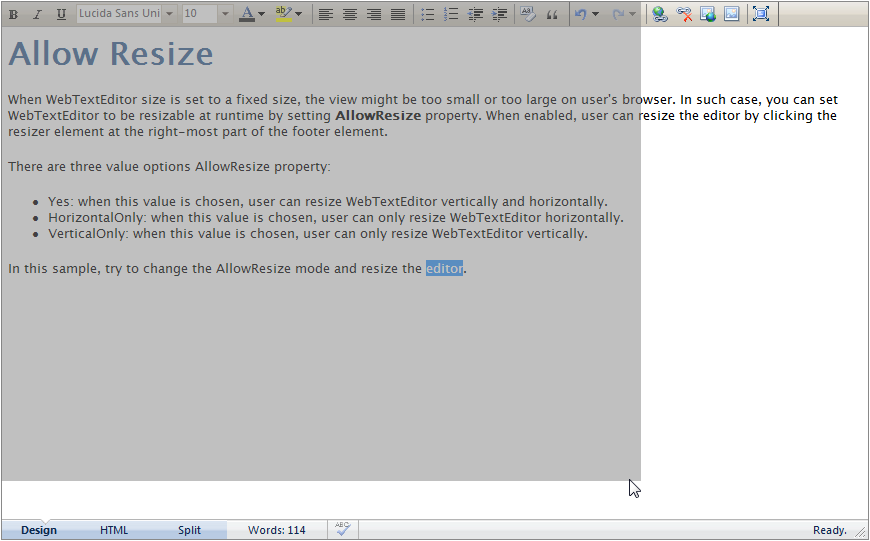
- When enabled, user can resize the editor by clicking the resizer element at the right-most part of the footer element.
- There are 3 value option in AllowResize property.
- Yes: when this value is chosen, user can resize WebTextEditor vertically and horizontally.
- HorizontalOnly: when this value is chosen, user can only resize WebTextEditor horizontally.
- VerticalOnly: when this value is chosen, user can only resize WebTextEditor vertically.
 See Also
Other Resources
{Allow Resize}